








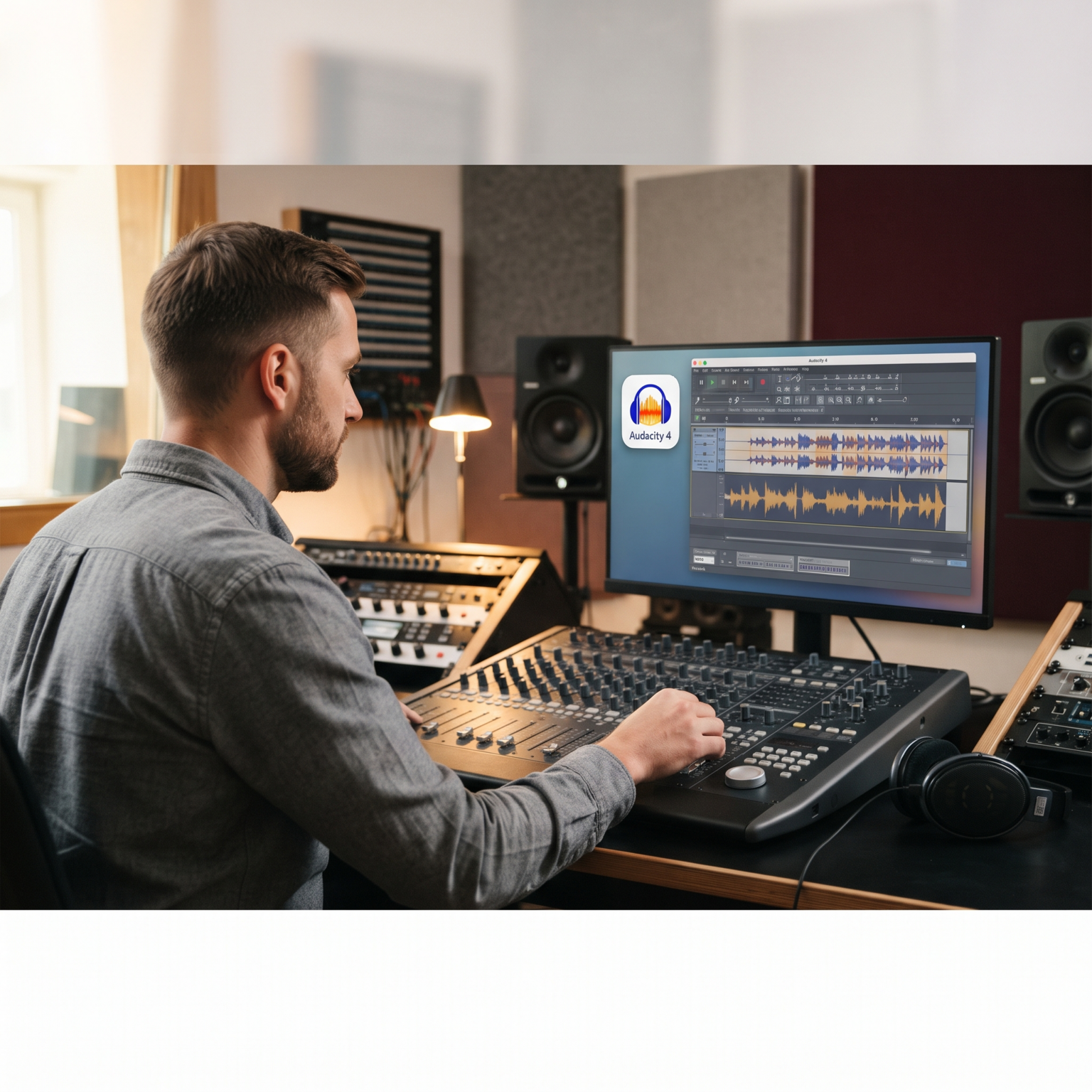
Audacity 4, the latest iteration of the popular audio editing software, has finally arrived, bringing a wave of improvements that will excite audio enthusiasts and professionals alike. Despite some early controversy surrounding the revamped logo, the final product delivers a more user-friendly experience and a slew of enhanced features designed to streamline the editing workflow. For users who have relied on Audacity for years, this update is a breath of fresh air, promising to make audio editing tasks more efficient and enjoyable.
One of the standout features of Audacity 4 is its improved user interface, which has been redesigned to enhance usability and accessibility. The new layout makes it easier to navigate the software and access key tools, ultimately saving users time and frustration. Additionally, the update includes a range of new editing capabilities, such as advanced effects and filters, that will allow users to achieve professional-grade results with greater ease.
For audio professionals working on projects like concert recordings or storytelling podcasts, the enhancements in Audacity 4 will be a game-changer. The improved audio processing tools will make it easier to achieve high-quality sound and enhance the overall listening experience for audiences. Whether it’s cleaning up background noise, fine-tuning vocals, or adding special effects, the new features in Audacity 4 give users the power to take their audio editing skills to the next level.
In the world of game development, audio implementation is a crucial aspect of creating immersive gaming experiences. With Audacity 4, game developers can now benefit from quality and editing upgrades that will help them craft richer soundscapes and more engaging gameplay. The software’s improved capabilities for spatial composition and text editing will enable developers to create more dynamic and realistic audio environments for their games.
Another notable feature of Audacity 4 is the introduction of a batch editor for silence labels, a utility that will streamline the editing of silence points in audio tracks. This tool will be particularly useful for users working on projects that require precise control over silence durations, such as podcast editing or audio book production. By simplifying this process, Audacity 4 empowers users to focus on the creative aspects of their projects rather than getting bogged down in technical details.
Overall, the release of Audacity 4 represents a significant milestone for audio editing enthusiasts and professionals. With its enhanced user interface, advanced editing capabilities, and new tools for audio processing, the software sets a new standard for quality and innovation in the industry. Whether you’re a musician, podcaster, game developer, or audiophile, Audacity 4 offers a wealth of features that will help you unleash your creativity and achieve outstanding results in your audio projects.



Using an online AI text graphic editor offers a way to modify callouts on custom product graphics. It helps refine promotional materials.
Investigating facial proportions helps clarify standard geometric concepts used in portraiture. If you wish to explore facial feature ratios online, specialized digital platforms break down complex facial measurements.
Musicians seeking to convert midi sound to wav audio can upload sequence files to this platform and instantly generate high-quality sound files for editing.
Protecting window glass and electronic door locks requires careful handling of entry devices. Consulting this car entry equipment safety advice offers essential guidance for avoiding costly vehicle damage.
Building personalized pixel art from scratch or uploaded graphics is manageable when guided by a custom perler bead pattern maker built for pegboard enthusiasts.
Artificial intelligence tools simplify creating unique botanical art. Consider experimenting with a free custom ai bouquet generator to build personalized virtual flower arrangements in seconds.
Vertical dialogue layouts can prove confusing to novice Japanese language learners. Referencing a free digital manga speech bubble helper assists in breaking down tricky phrases inside original artwork frames.
Analyzing generated text for hidden unicode artifacts helps prevent rendering errors. Testing with a free ai text inspect tool provides clear visibility into structural character patterns without modifying readable content.
Hailuo responds particularly well to explicit camera direction like pan left or slow dolly zoom. Following How to Generate MiniMax Hailuo Video: Step-by-Step Guide helped me dial in natural human expressions without unnatural warping.